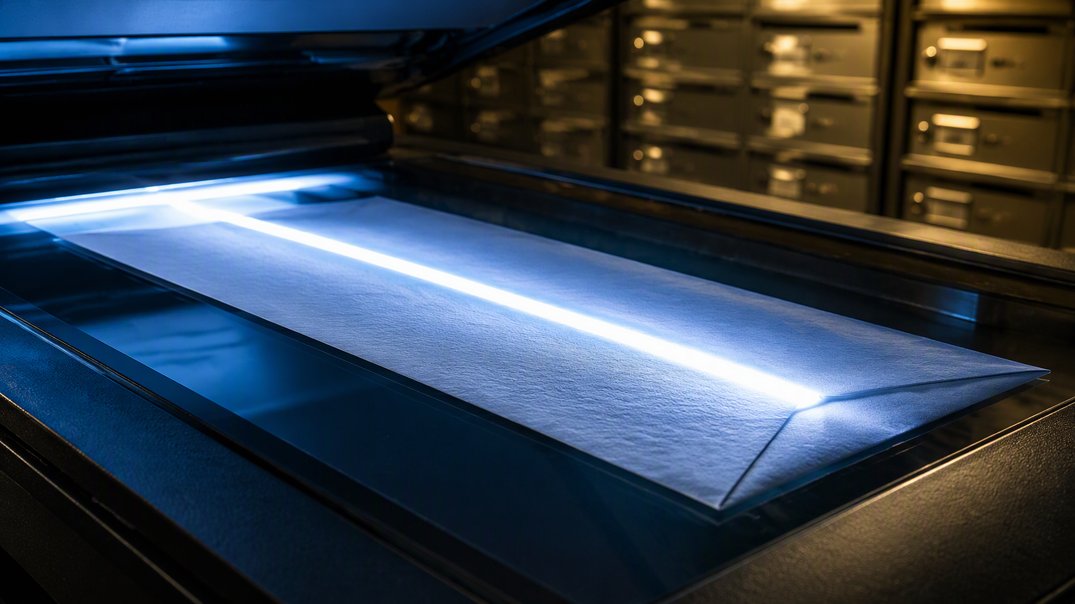
Yes. Many virtual mailbox providers will open an envelope at your request and scan the contents so you can read them online. Because the provider acts as your agent under a signed USPS form, you generally decide what gets opened, so you can review envelope images first and choose what to scan.
How Opening and Scanning Works
The process is simple. Your mail arrives at the provider, which photographs the outside of each envelope and posts the image to your online account. You look at the sender and decide what to do. Looking at envelope images takes seconds, and it lets you triage a full week of mail before you spend a minute on any single item. If you request a scan, the provider opens the envelope, scans the pages, and uploads them to your account, usually as a PDF you can read, save, or share.
Behind the scenes, the arrangement rests on USPS Form 1583, which authorizes the provider as your agent to receive mail on your behalf. Opening and scanning is a service layered on top of that, and each provider sets its own terms, so read them before you rely on the service. The ability to read your mail from a beach, an airport, or your couch is the whole point.
What You Control
You are in charge of the choices. For each piece, you can usually ask the provider to scan it, forward it unopened, hold it, or shred it. You can leave an envelope sealed if the sender looks sensitive or if you plan to forward the original anyway. Many providers also let you set standing rules, such as always scanning mail from a certain sender, though features differ.
Privacy deserves a look as well. The provider must keep a copy of your signed form on site, and the form’s privacy statement says USPS may disclose that an address belongs to a mail agent but not the identities of the people the agent receives mail for. Ask your provider how it limits access to your mail, who handles it, and how long it stores scans.
Items That Are Better Forwarded Than Scanned
Scanning works wonderfully for letters, statements, and notices, but some items need a different approach. Consider forwarding or holding these:
- Checks you plan to deposit
- Passports, ID cards, and other official documents
- Legal papers that require an original or a signature
- Credit and debit cards sent by your bank
- Packages and anything too bulky to scan
Ask the sender whether a scan is acceptable for your purpose, since some organizations insist on originals. If you are unsure, ask your provider before you request a scan, since a few items cannot be returned to their original state once opened. Forwarding has a cost, because the form says items re-mailed through the postal system need new postage. So decide in advance which items to scan, which to forward, and which to simply recycle.
Getting the Most From Mail Scanning
A few habits make scanning work better. Check your envelope images regularly, so urgent items do not wait. Scan the things you need to act on, and shred the rest. Save important scans in a folder you can search later, and back that folder up. Set a weekly reminder to review your account, and clear out old scans you no longer need. Tell your key senders to use clear return addresses, which makes envelope images easier to sort at a glance.
When mail involves taxes, banking, or legal deadlines, act on it quickly and keep the original if the sender asks for one. This article is general information, not legal or tax advice. Used well, scanning turns a pile of paper into a tidy inbox, and you can handle your mail from anywhere on any day.
Mail Scanning FAQs
Will the Provider Open My Mail Without My Permission?
Typically not. Many providers open mail only when you request it. Read your provider’s terms to confirm how it works.
Can I Scan Checks and Legal Documents?
You can often scan them to read, but you may need the original. Ask the sender or your bank what it requires.
How Long Are Scans Stored?
It varies by provider. Ask how long scans stay in your account, and download anything you want to keep.